

You’ll point Open WebUI’s OpenAI-compatible
connector to OpenStack, ensure every chat request carries the right user
identity for metering, and end up with automatic per-user pricing, rate
limits, and reporting—without changing your users’ workflow.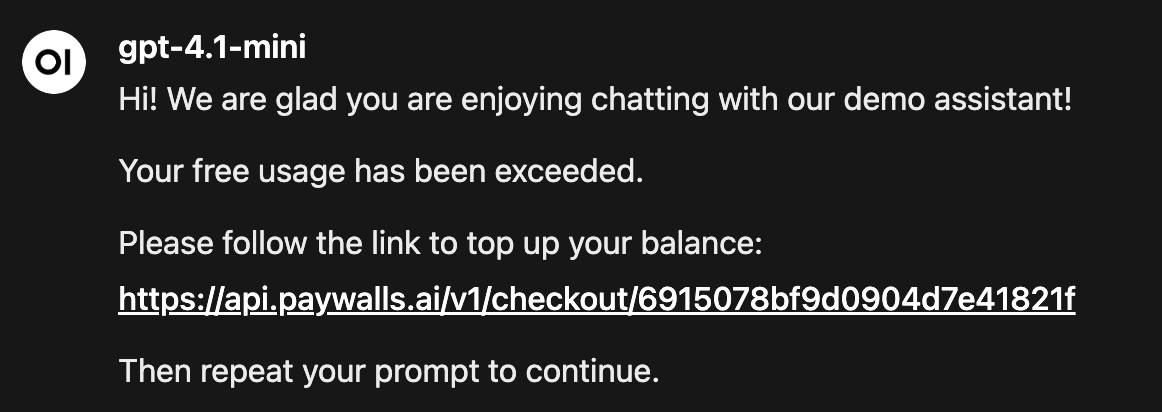
Prerequisites
- OpenStack API key (Dashboard → Paywall → API keys)
- Open WebUI admin access (so you can edit Connections and Filters)
1. Add OpenStack as the OpenAI-compatible Connection
1
Open the Connections page
In Open WebUI click your avatar → Admin Panel → Connections → + New Connection.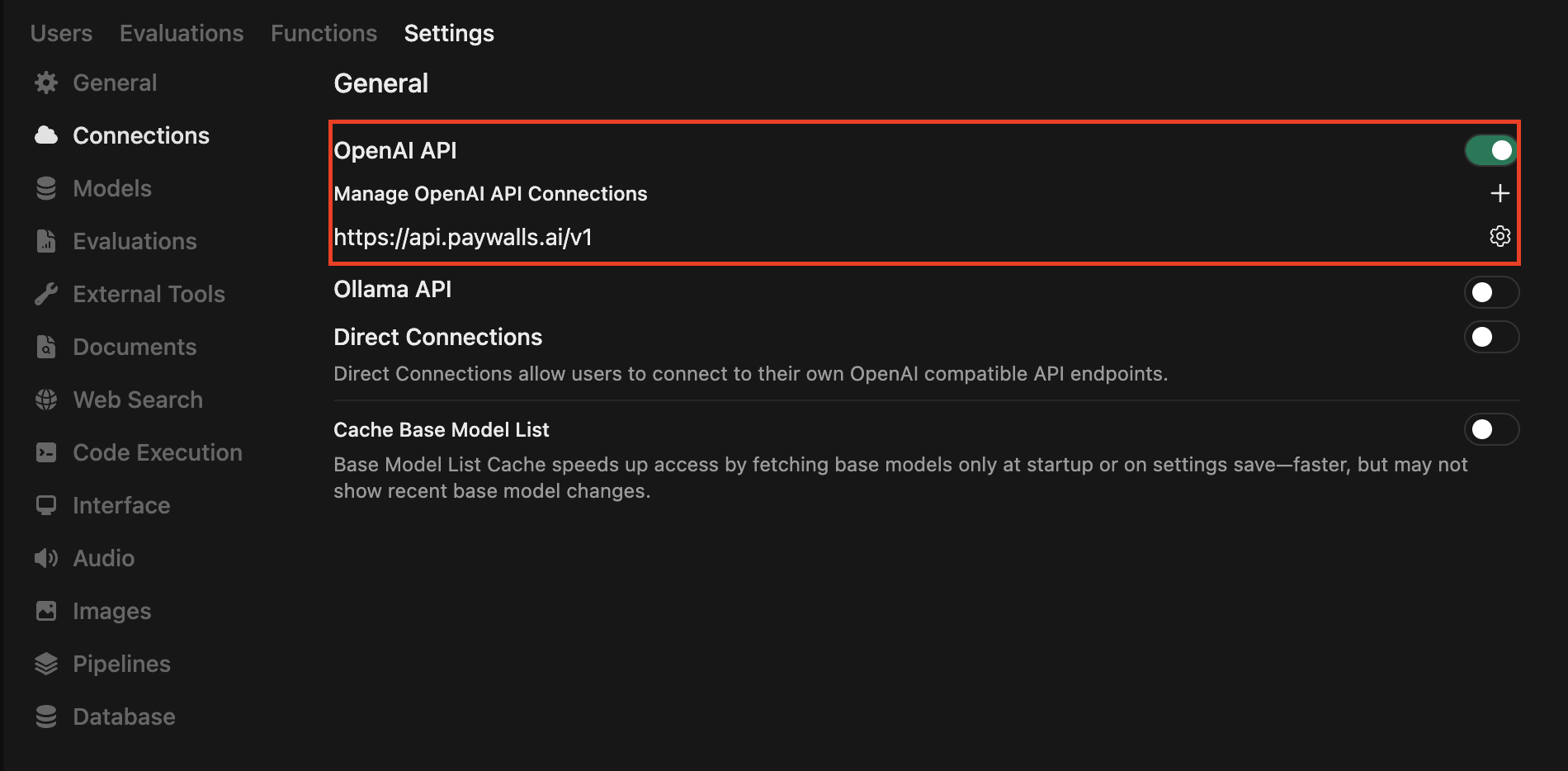
2
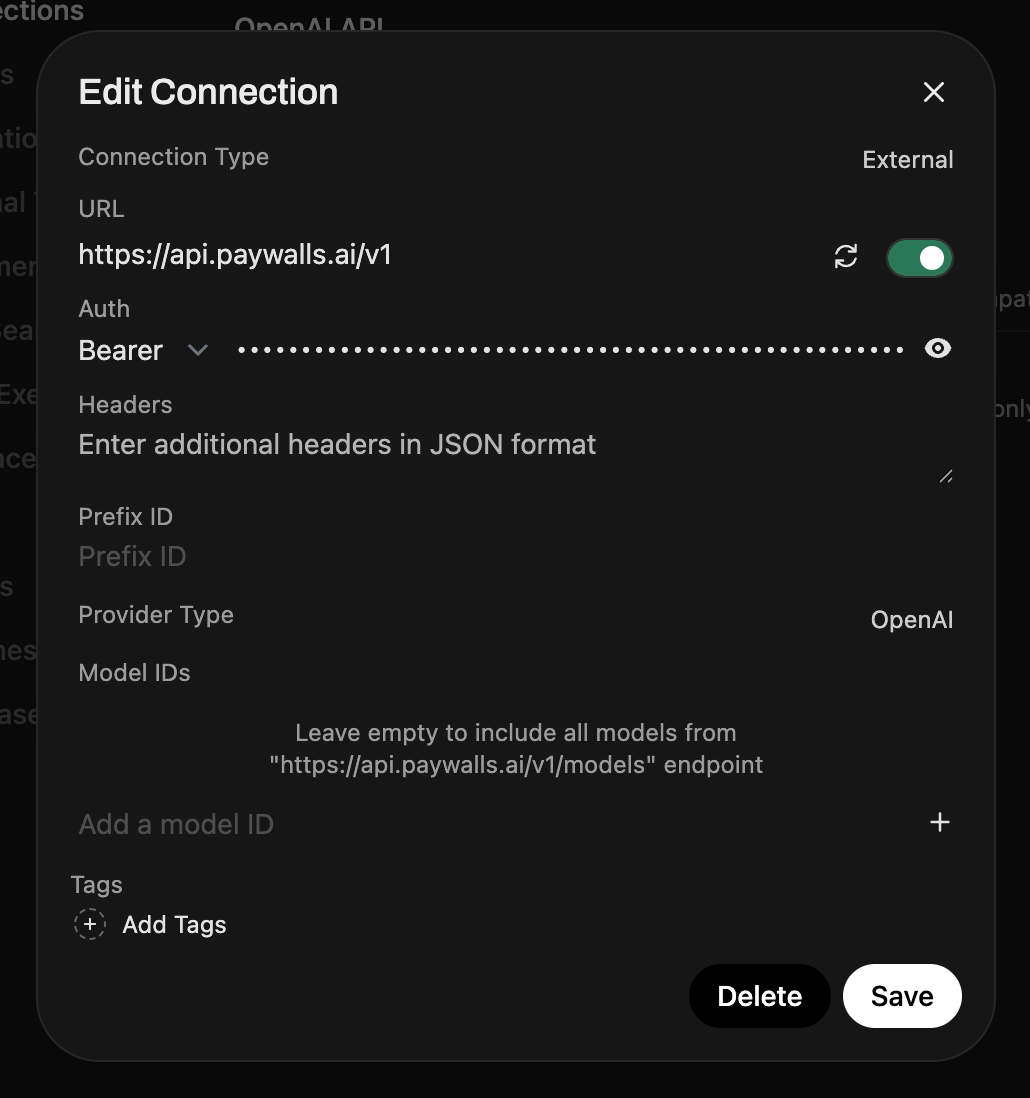
Configure the endpoint
Fill the form with the OpenStack details:
- Provider: OpenAI Compatible - Base URL:
https://api.openstack.ai/v1 - API Key:
sk-openstack-...(copied from the dashboard)
- API Key:
- Default model: pick one of the OpenStack backed models, e.g.
openai/gpt-4o-minior leave empty to load all models dynamically.
- Default model: pick one of the OpenStack backed models, e.g.
2. Capture user identity for accurate billing
OpenStack meters usage per end user. Every request must include a stable user identifier via the body-level
user field or the X-Openstack-User header (see Pass user ID for the full rationale).Open WebUI filters can rewrite the JSON payload that is sent to every model. We’ll add one that copies the signed-in user’s WebUI ID into the OpenStack-required 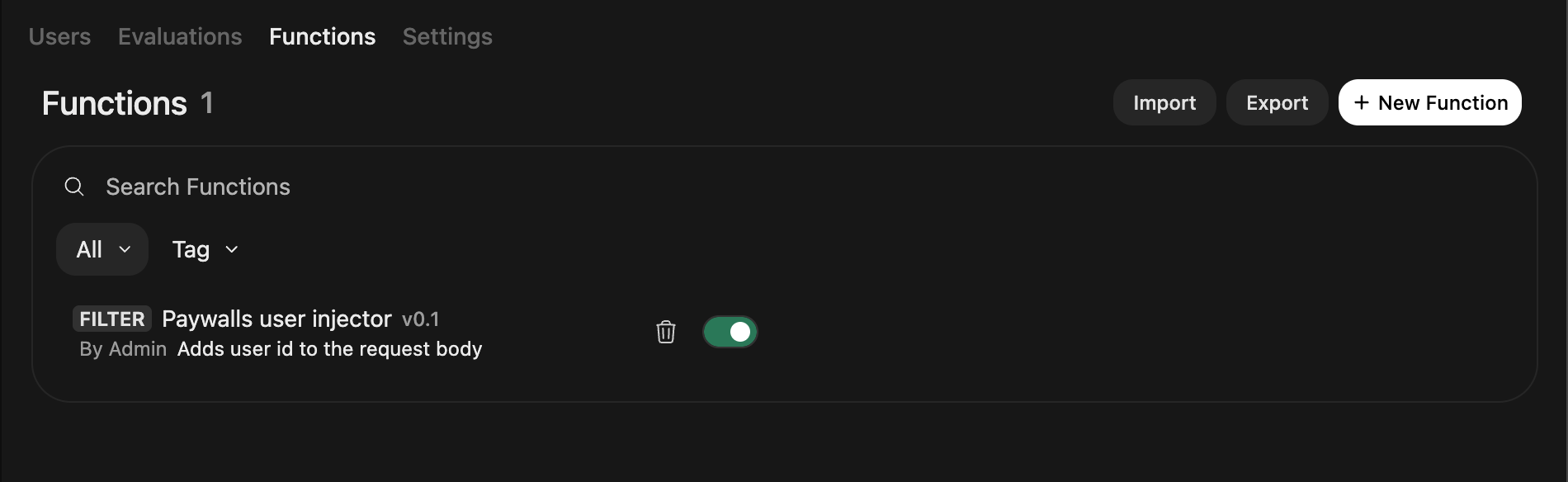
user field so every completion and tool call is attributed (and billed) correctly.1
Add a new filter
Go to Admin Panel → Functions → Filters → + New Filter,
name it
OpenStack user injector, choose Python, and paste the snippet
below.Open WebUI passes the signed-in user’s metadata via
user when running filters (see Filter Function
docs). Returning the modified body makes
the change effective for the upstream API request.2
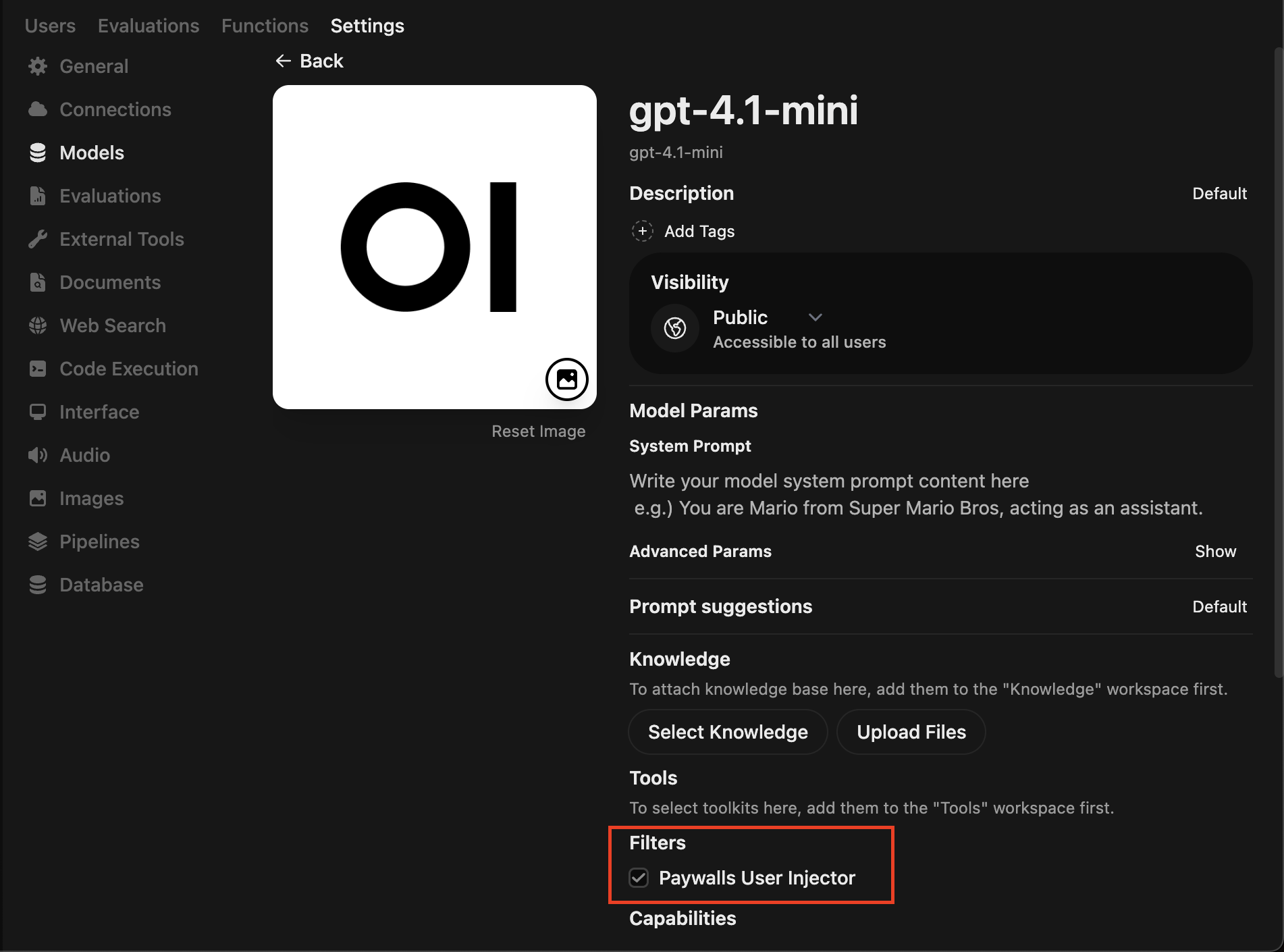
Attach the filter to your models
- 1. Go to Workspace → Models and open each chat model that should charge through OpenStack.
- Scroll to Tools / Filters / Actions, enable Filters, and add OpenStack user injector to the active list.
- 3. Save the modelfile. Repeat for every model that should hit OpenStack.
3. Test the integration
1
Start a new chat
Open WebUI main interface and start a new chat with a model that uses the
OpenStack connection.
2
Send a prompt
Send a short prompt, e.g.
Hello!. The model should respond normally, but if your OpenStack balance is
zero you’ll get a topup message instead.3
Top up and check billing log
Once you top up your OpenStack balance, send the message again. In the
OpenStack dashboard → Paywall → Reports view you should see the billing log
with the 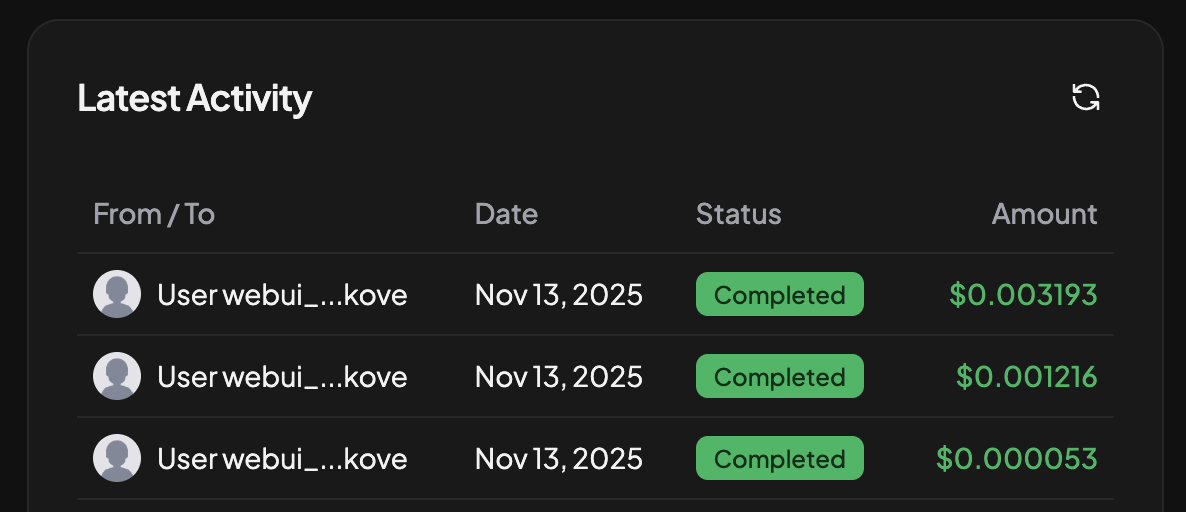
user you injected (e.g. id_1234567).